IND - Step Two, Changing MYPOS Pass Code

Mar 25, 2026
 2
2
Log into MYPOS and Select 'Manager'
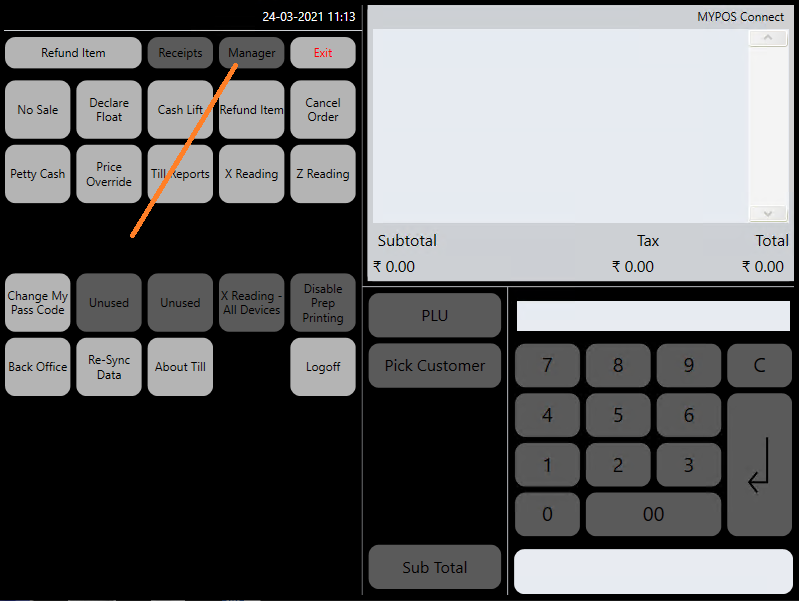
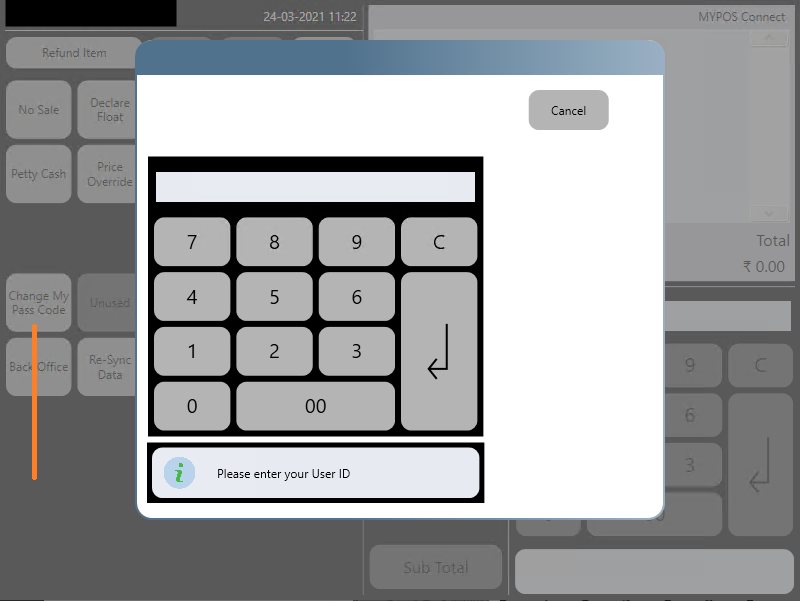
Select 'Change My Pass Code' , Type In your UserCode and press the 'enter' key
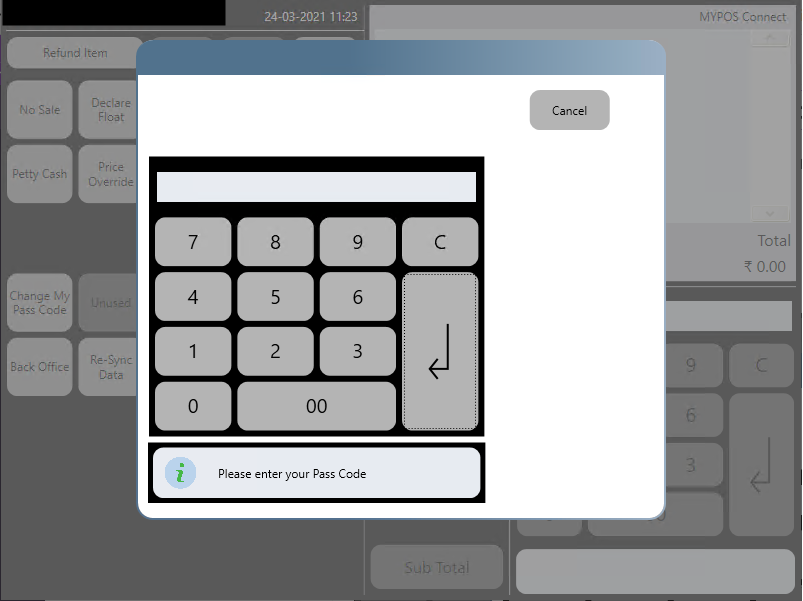
Type in your current Pass Code and Press 'Enter'
Type in your new Pass Code and press 'Enter'
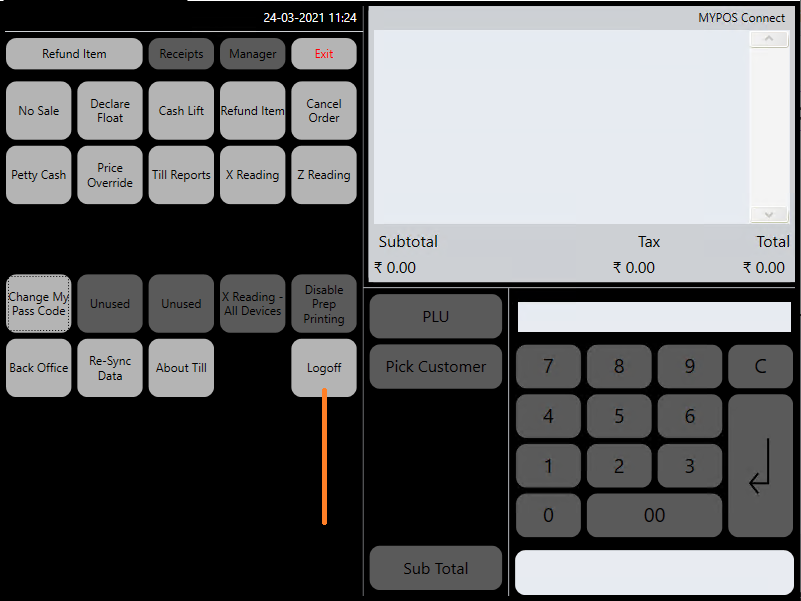
To Pick up the code change MYPOS will need restarting on each iPad, to do this select 'Manager' then 'LogOff' and Double Click on the MYPOS8 Icon.