


IND - Step Three, Checking Stock

Mar 25, 2026
 1
1
Select the PLU (Product Look Up) Button
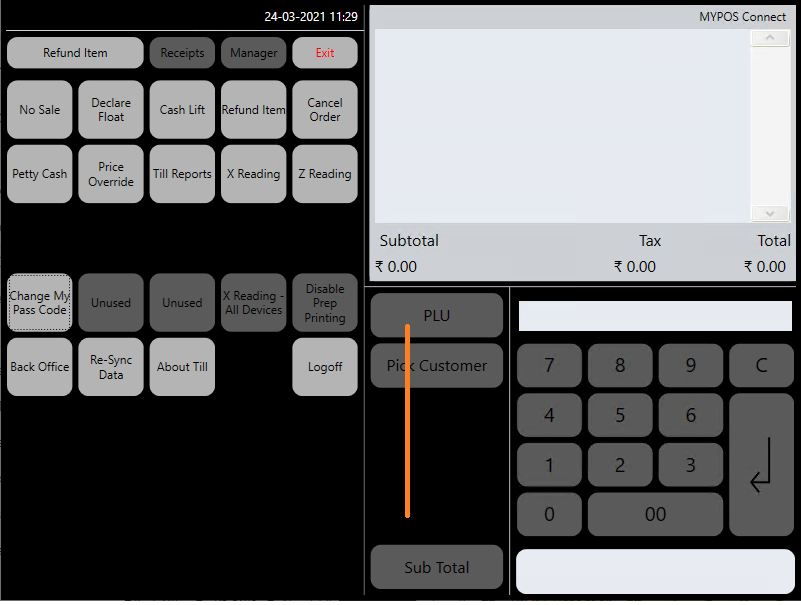
Start typing some information about the product, for example the product description, the barcode or the product code, as you type results which match will appear
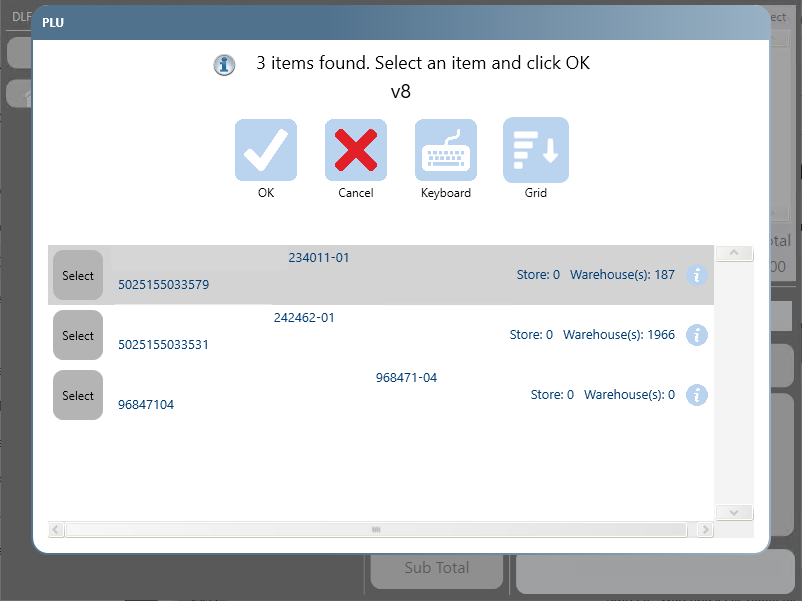
On the right hand side of the screen you will see a 'Store' stock Figure and a 'Warehouse' Stock Figure.

