IND - Step Five, Registering a product/customer

Mar 25, 2026
 0
0
After Selecting a Product
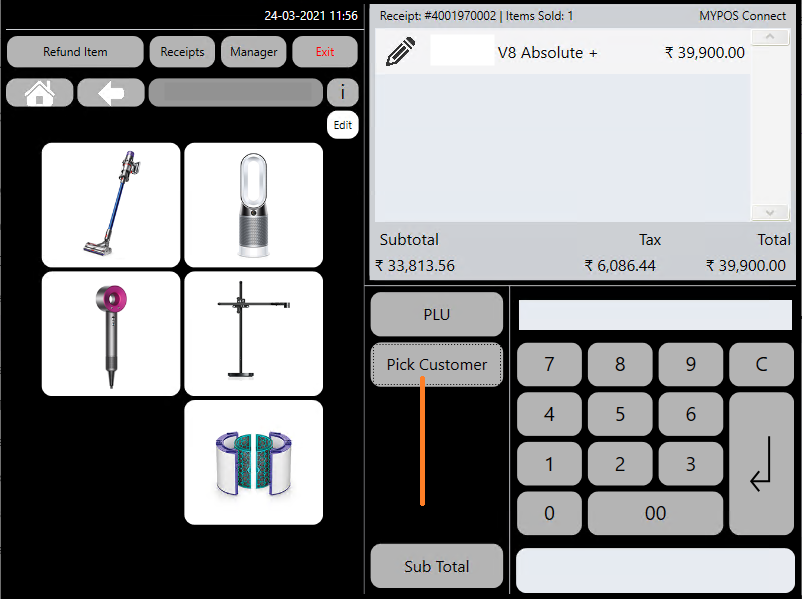
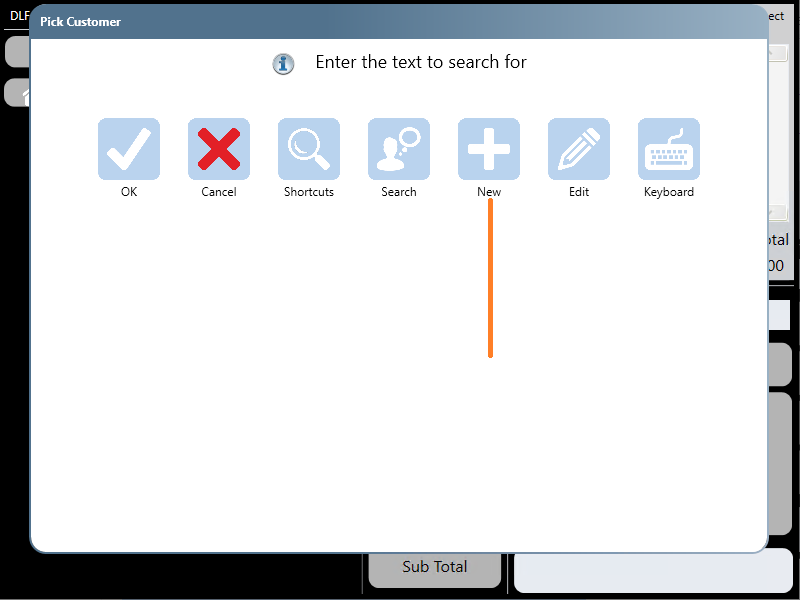
'Press the 'Pick Customer' button
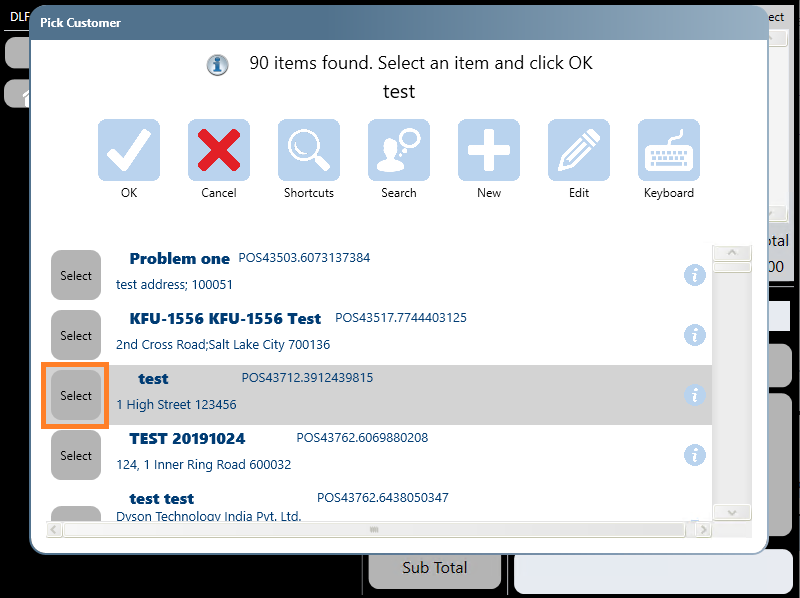
To search for an existing customer, start typing their name in the text box and select the correct customer
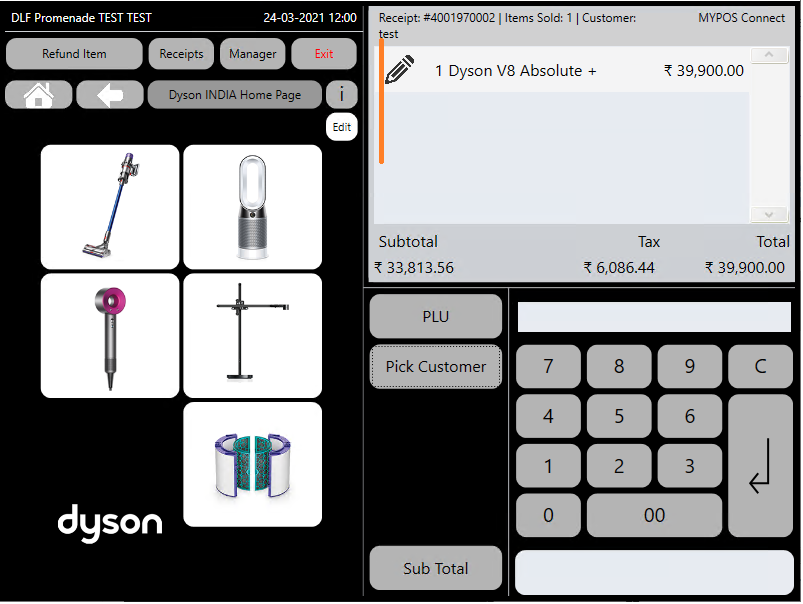
Once you have pressed the 'Select' button for the correct customer, their name will show in the till roll.
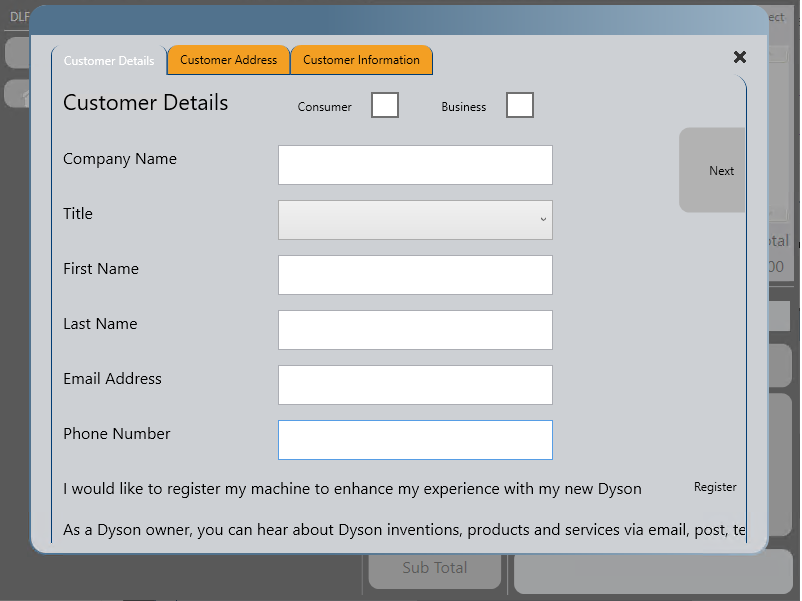
To add a new customers details into the system, select 'New'
Then fill out the customer's details, proceeding through each tab either by pressing 'next' or by selecting the next tap from the top of the screen,
once the details are complete, pick 'finish' and select 'yes' to the offer to save the customer , the customers details will then be loaded into the Till Roll