


 0
0
Discounts and Price Overrides are a restricted function generally only added to Manager User Codes, if you are an expert you may not have access to apply price overrides or discounts on your User Code
To Apply a Discount or a Price Override to an item Ring the item up in the usual way (see step four)
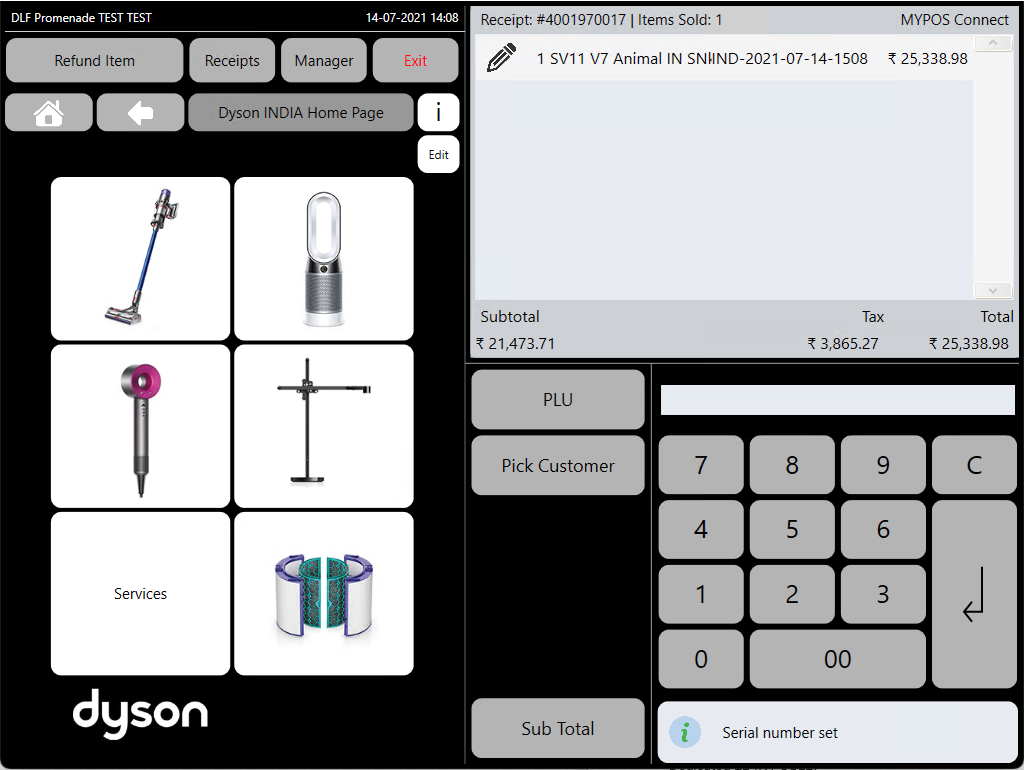
Select the 'Pencil Icon' next to the item you want to discount and press the 'Discount' button
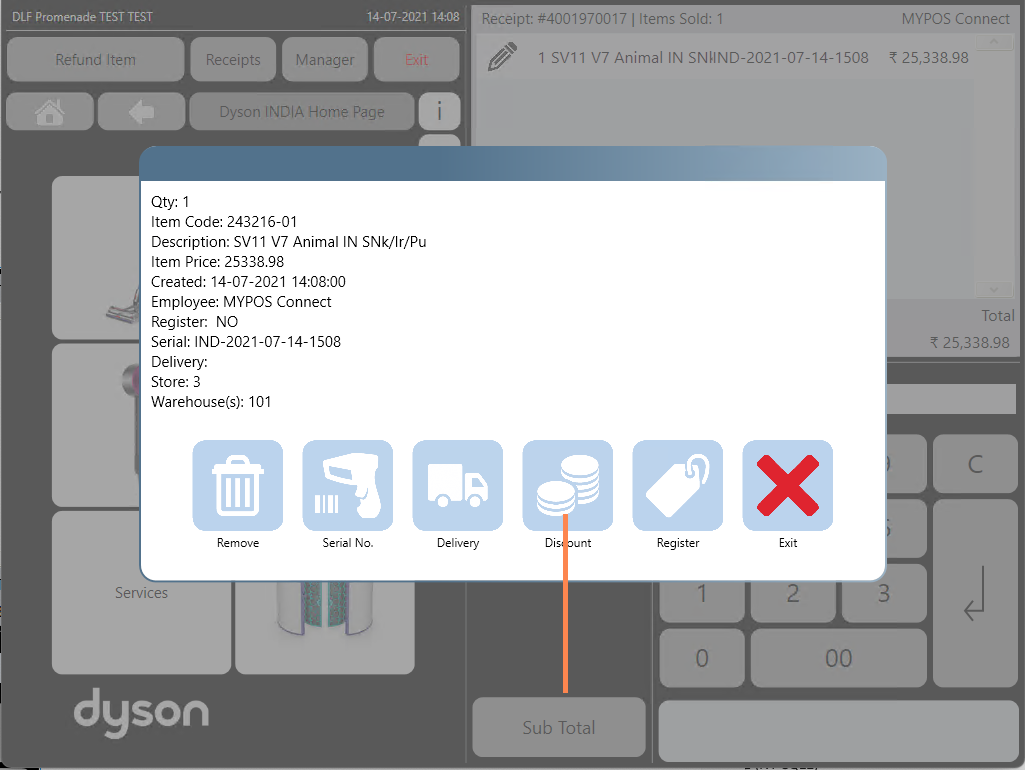
On the 'Discounts' Screen you will see two options 'Discount' or 'Price Override'
Price Override
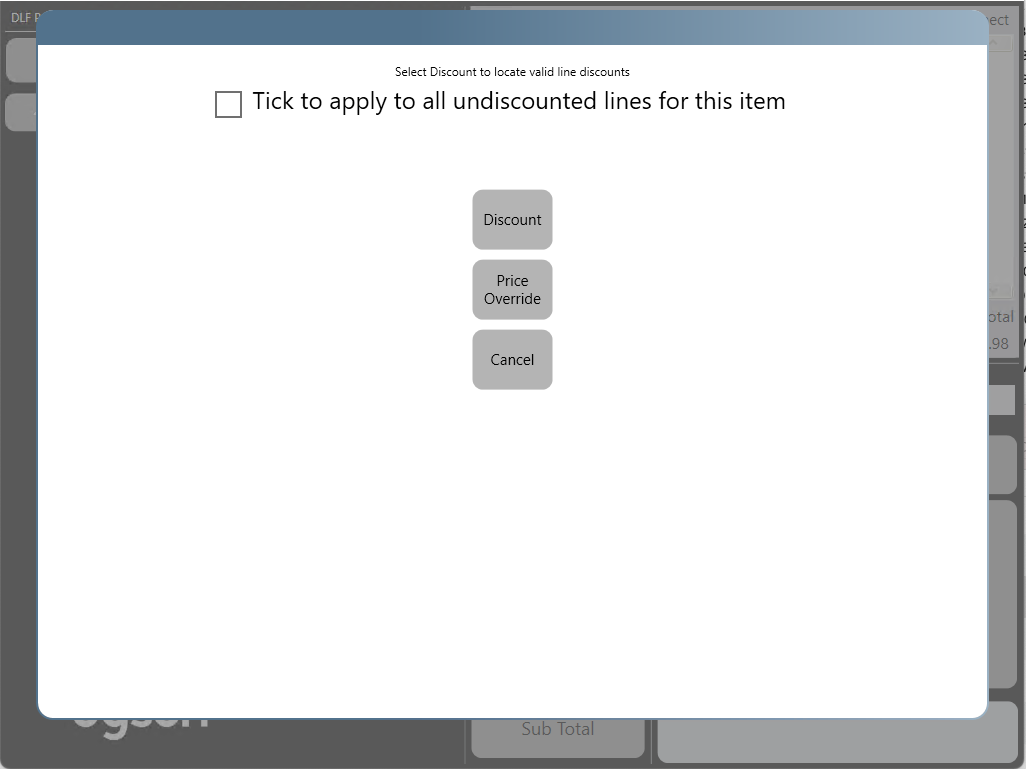
To Apply a Price Override select the 'Price Override' button, if you have Price Override Permissions on your account you will then be able to type a price into the pop up and press 'ok' to change the price
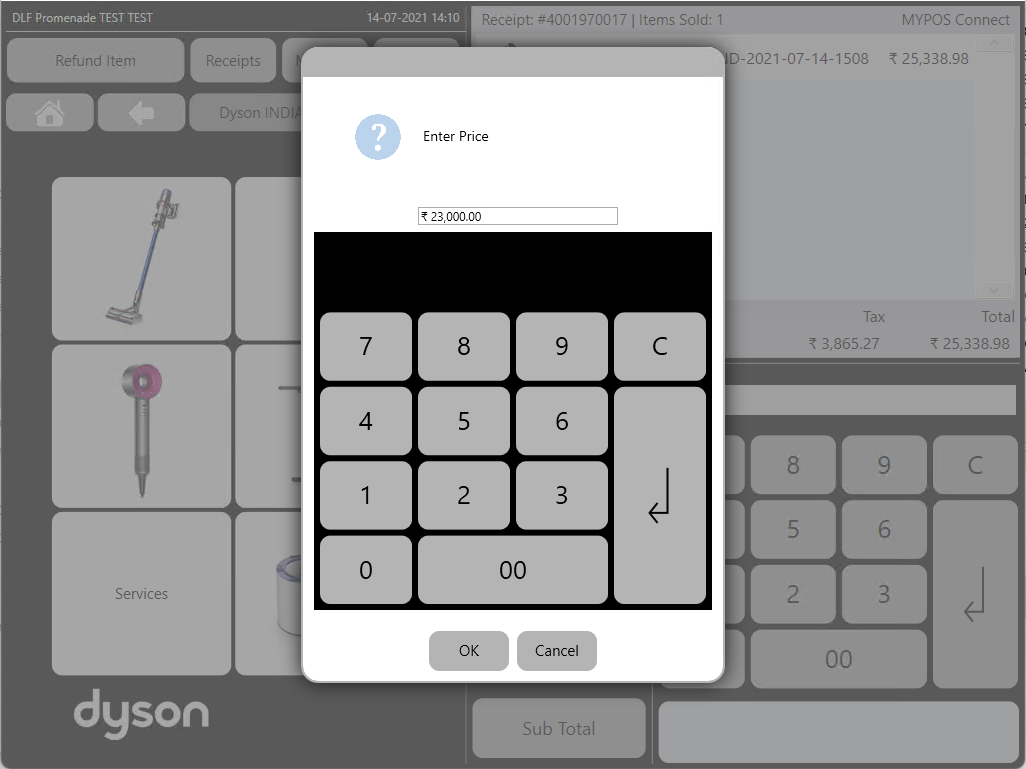
The Price will be changed for the item and the new price will be reflected in the till roll
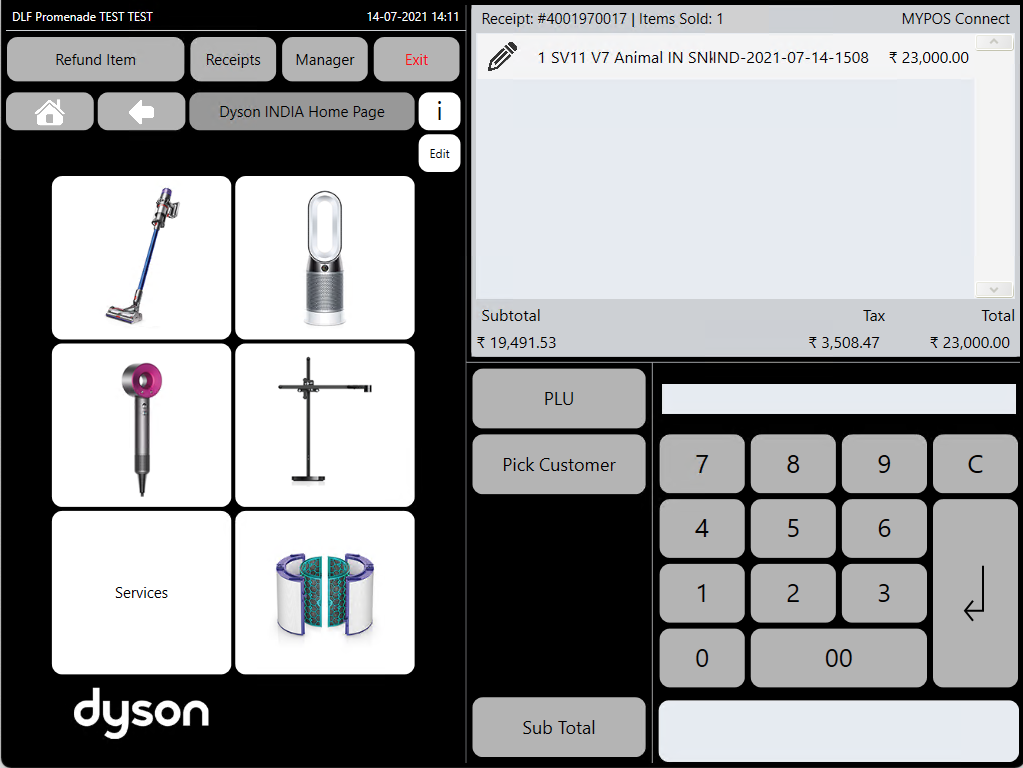
Discount
To Apply a Discount press the 'Discount' Button,
You can also optionally tick the 'Tick to apply to all undercounted lines for this item' box, if this box is ticked then the discount will be applied to every occurrence of the same product SKU on the sale.
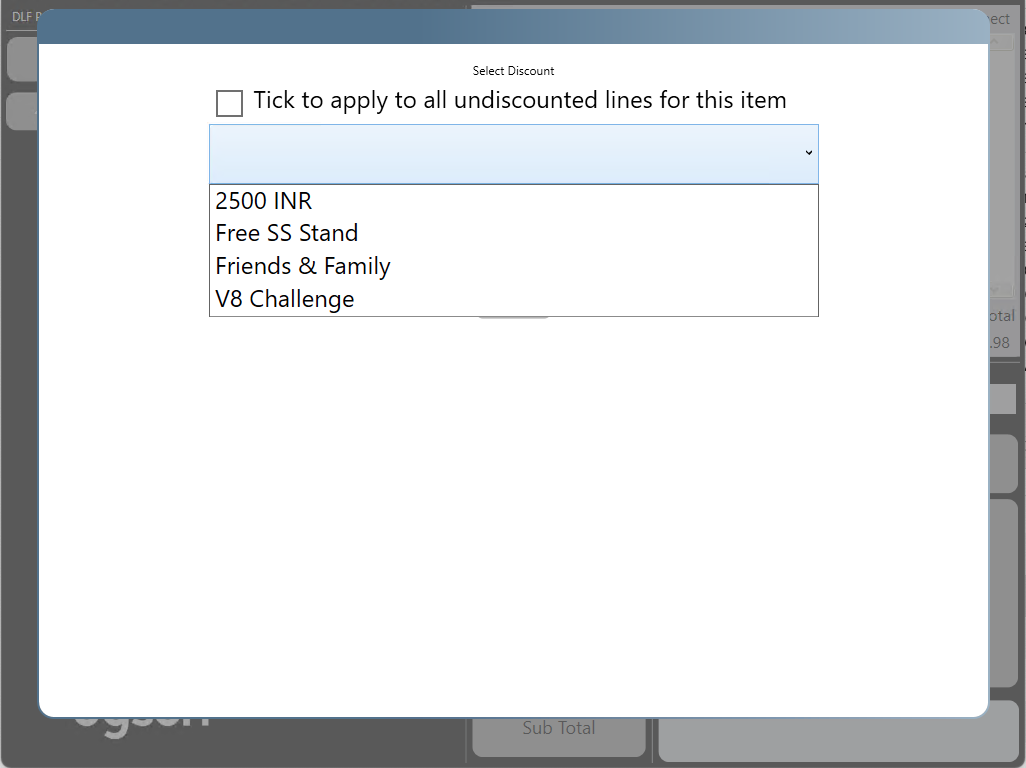
The List of available discounts for the product you have selected will be displayed in a drop down list, not all discounts can be applied to all products, discounts may be restricted to specifc products or classes of products, if a price override or a promotion has already been applied to the item then no further discount options will show
Select the discount you want to apply and the discount will be applied for the item and the new price will be reflected in the till roll
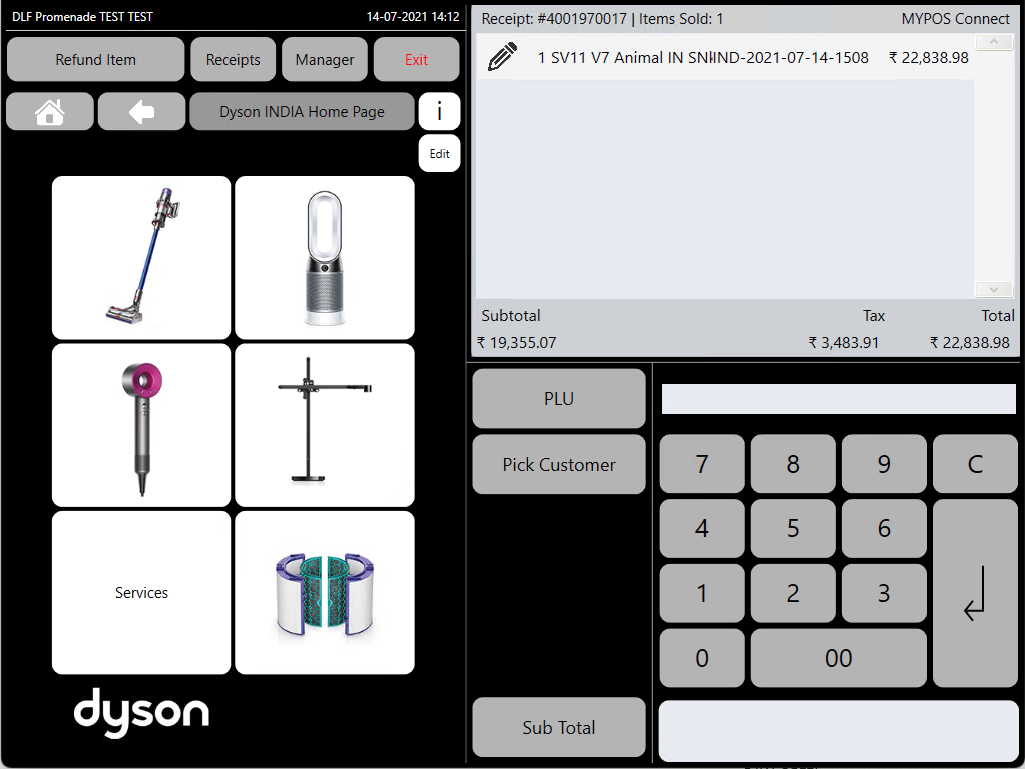
Some Items will have 'Promotional Prices' Set on them, these are automatic discounts applied by the system when the item is selected and are often used for special sales, national price matching or other market wide promotions, if an item has a promotion set then a discount will not be able to be added on top of this promotion however a price override can still be applied.

