


 0
0
The Daily banking Function is accessed via the PosPortal, on the menu on the left hand side of the portal you will see a option called 'Daily Banking',
Note
If you do not see the 'Daily Banking' option in your portal account contact [email protected] to get this function turned on and configured.
Pressing the Daily Banking screen will bring up 2 choices, Tills or Safe,
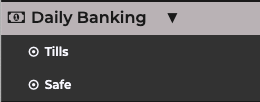
The 'Tills' option is used for entering a record of your daily banking , the 'Safe' option is used for entering a record of your daily Safe Checks
to enter your daily banking figures press the 'Tills' button, this will bring up the stores section screen, all stores in your market will be displayed in the drop down list , pick the store you work in/will be completing the banking for and press 'search'
Your Store Selection will be remembered for next time by use of a 'Cookie' , to change the default store clear cookies in your internet browser
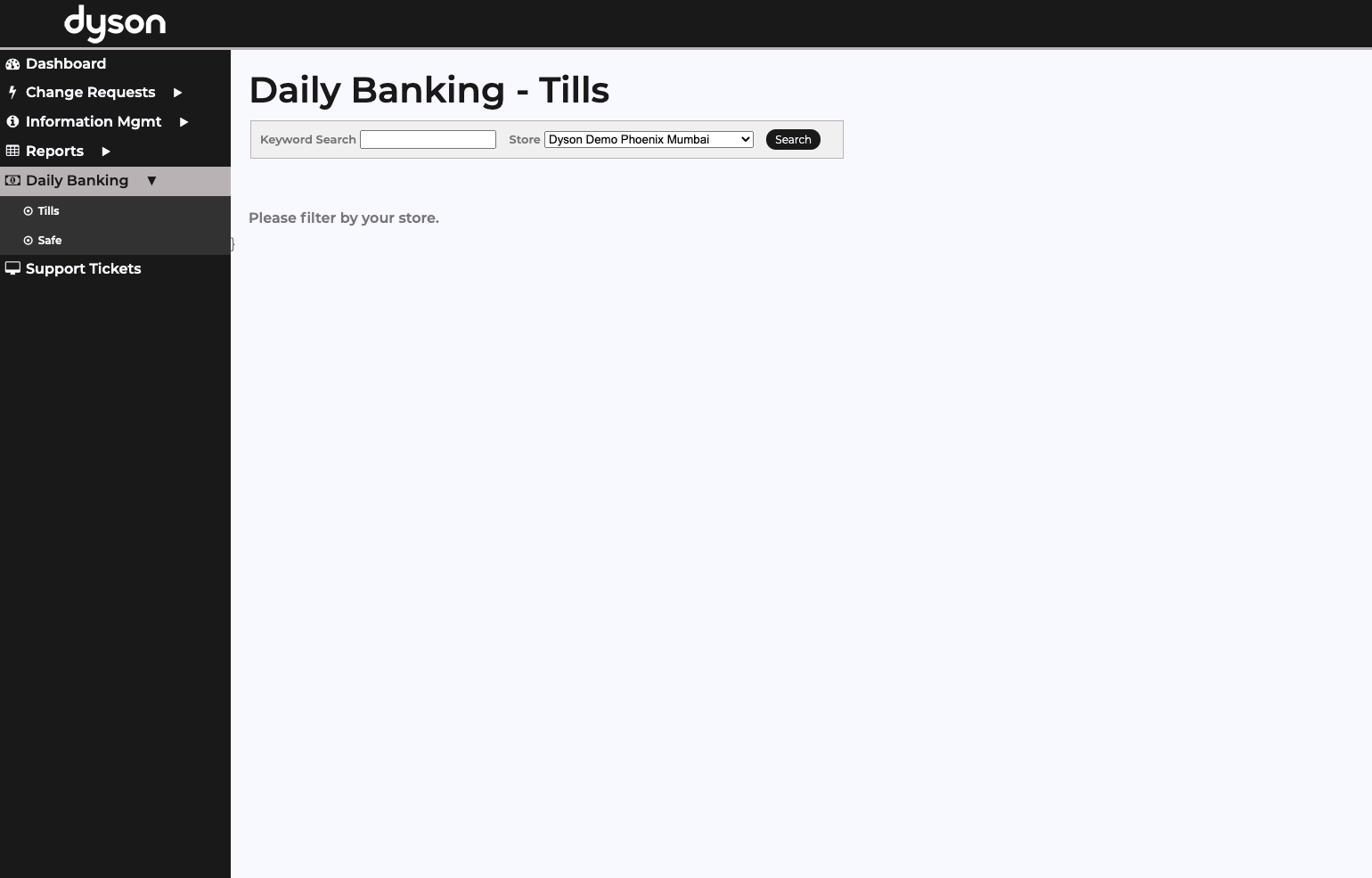
Once you have selected a store, the 'Daily Banking. -Tills' List will be displayed for the store, you can enter the banking for either the current day or the previous day, this allows you to complete the form either when you close or the following morning before you open.
select either 'Yesterday' or 'Today' to bring up the relevant banking sheet and Enter the requested Data from your cashing up, Press the 'Load' button once you have entered the cashing up figures to pull the sales totals from the MYPOS tills
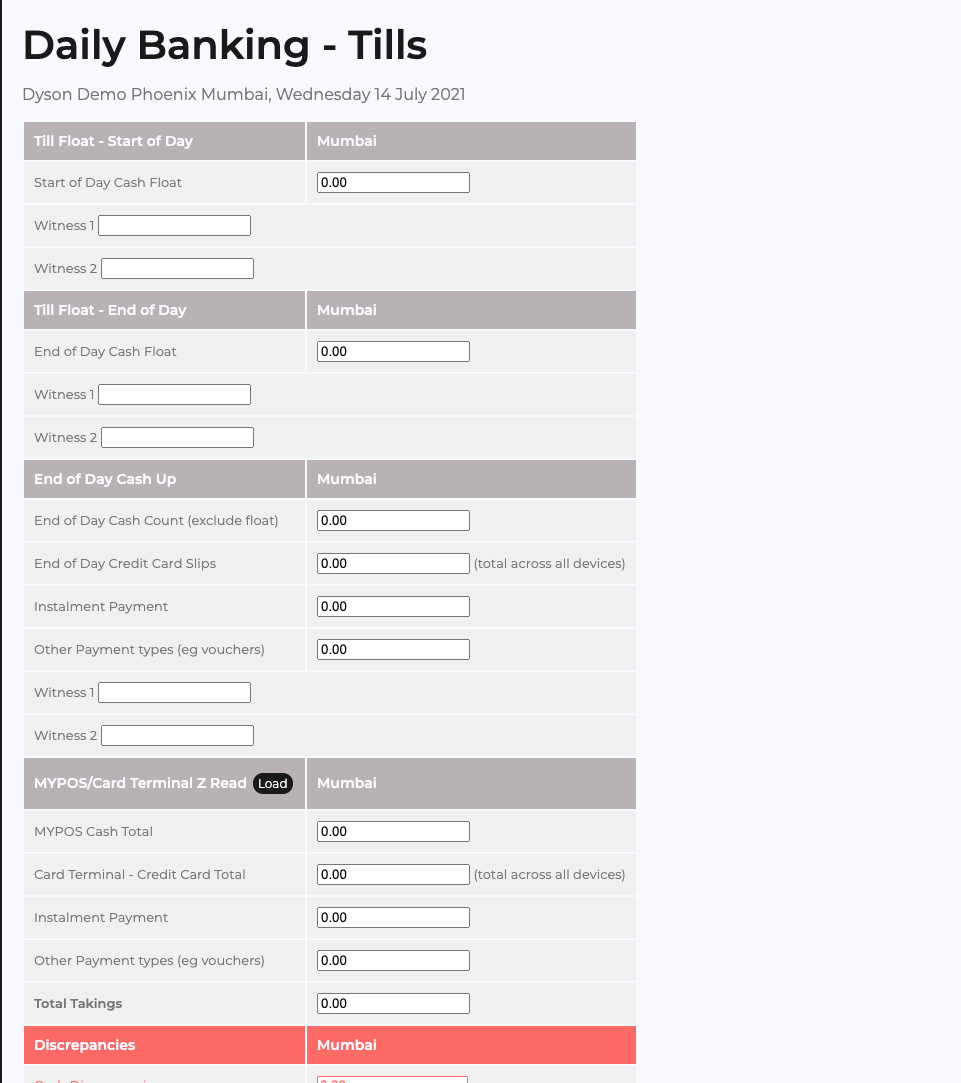
The Discrepancies will then be displayed in the 'Discrepancies' section of the form ,
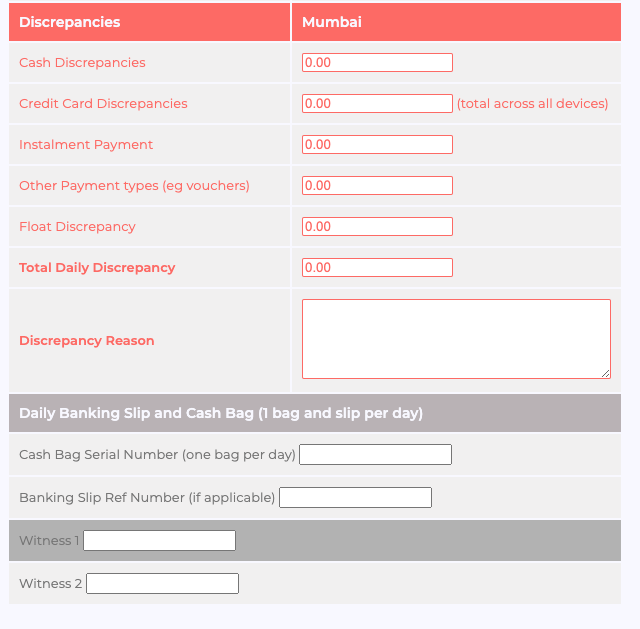
once the banking is complete press 'save' to exit

