1
1
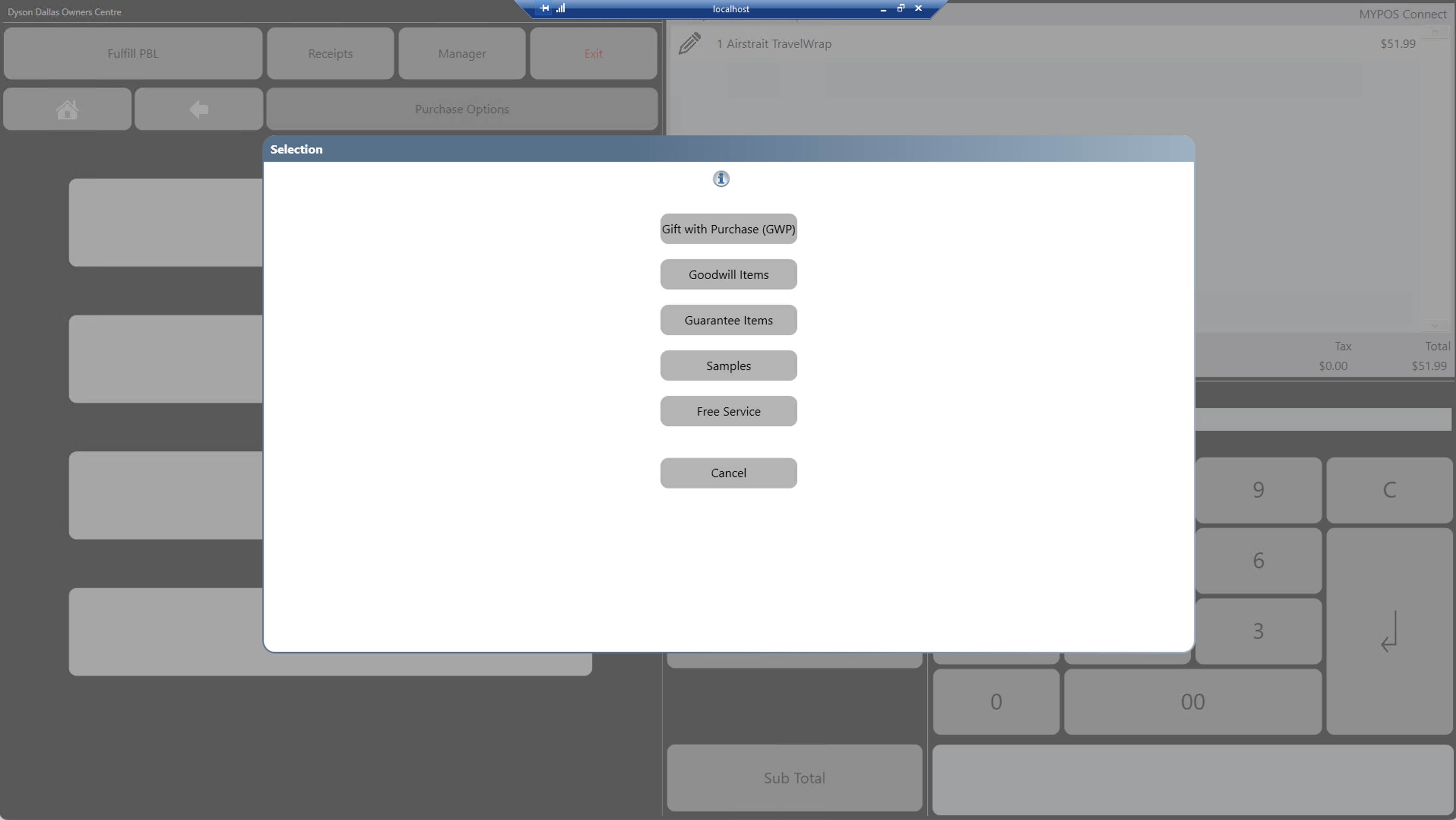
Products which are rang into the MYPOS system with zero value (free of charge) need an ABSA reason picking when they are rung up into the MYPOS UI, if a product is either zero priced by default, zero priced by promotion/discount, or price overridden to zero price you will need to pick an ABSA reason before you are able to proceed to sub total the sale.
Zero Value Standard Priced Products / Zero Value by Promotion/Discount
1. Ring up the product as normal and if needed apply a discount/promotion to zero value the item
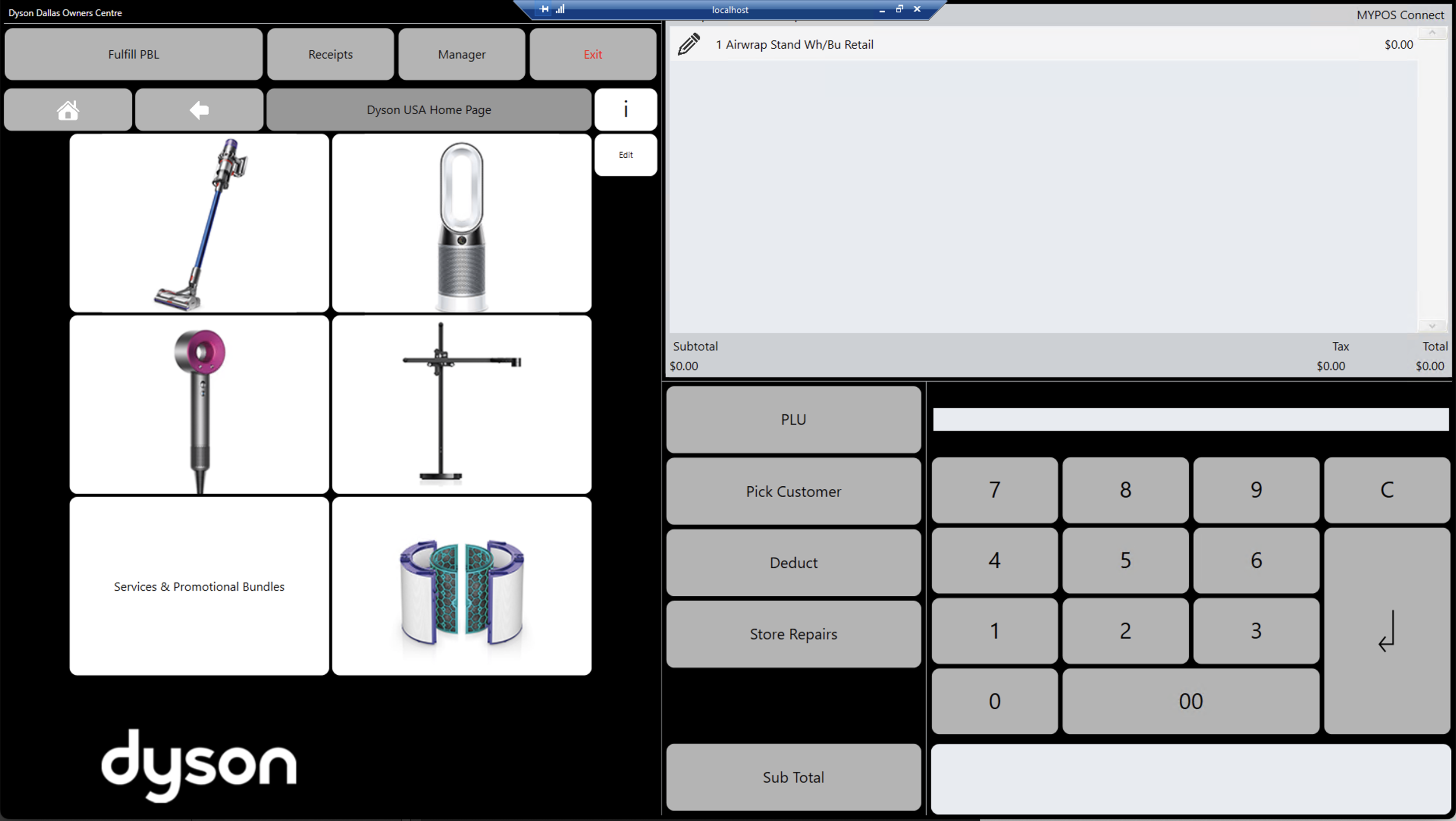
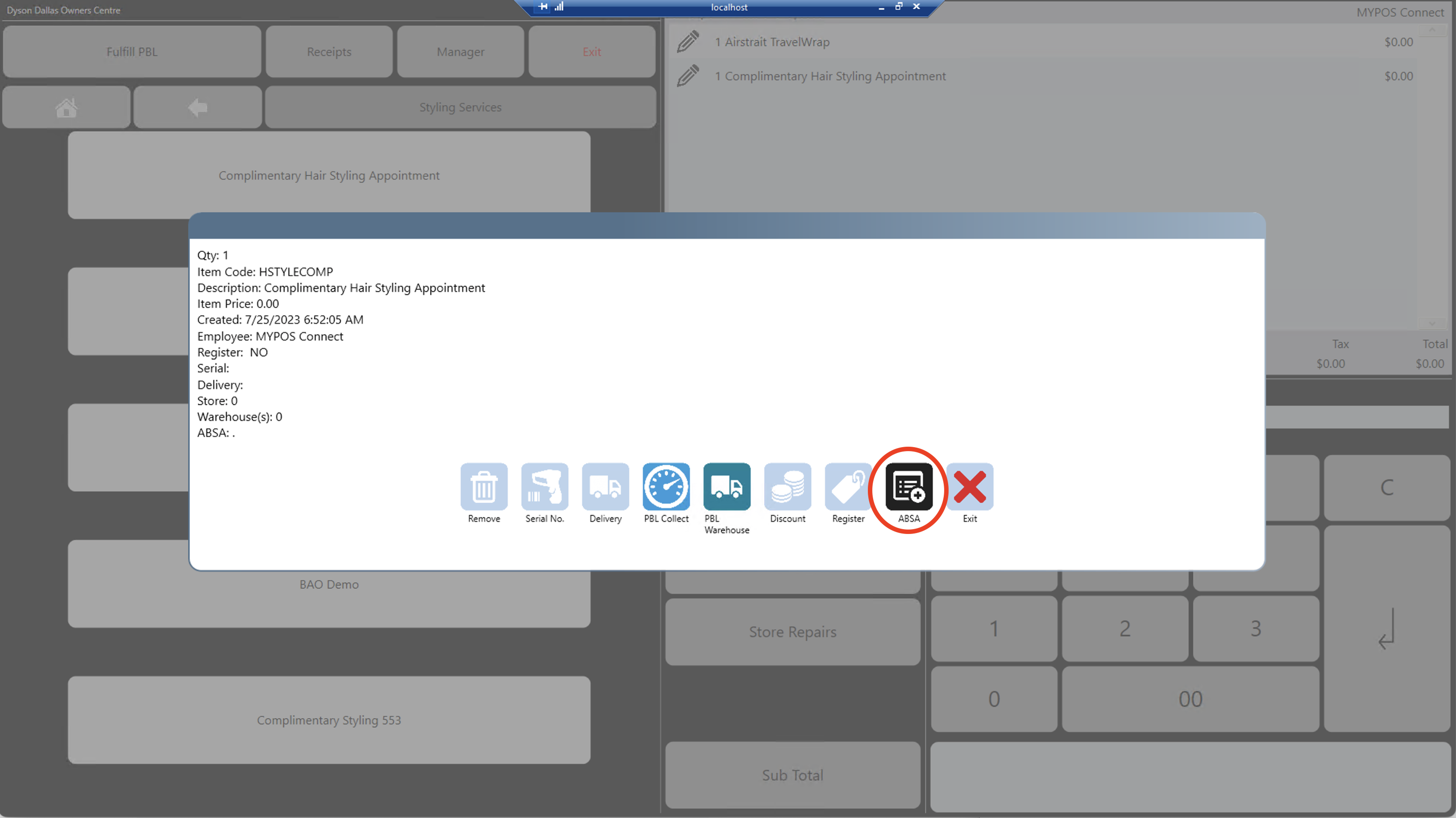
2.Press the "Pencil" icon next to the zero value item, from the pop up screen press the "ABSA" option
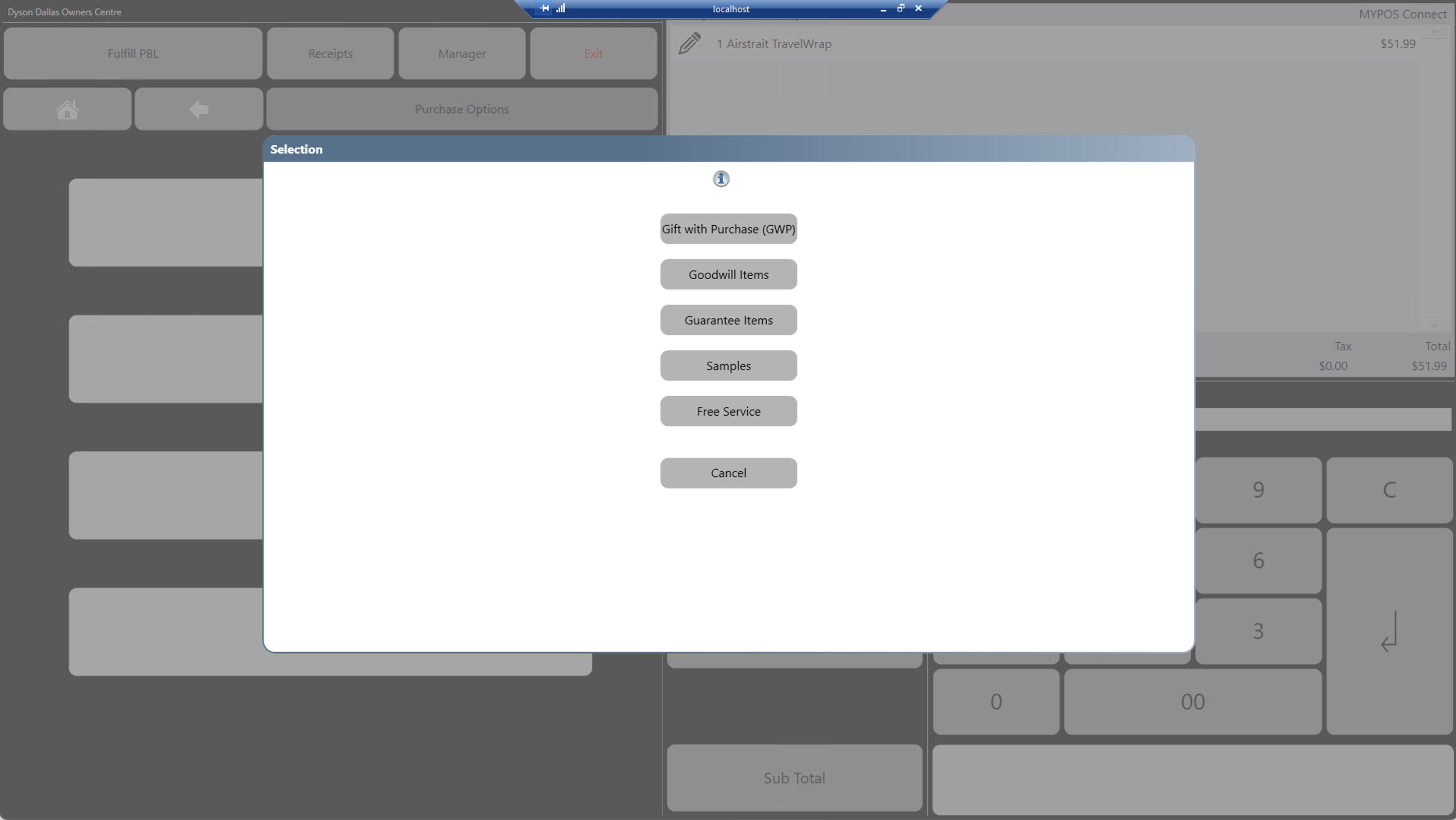
3.Choose one of the ABSA reasons from the pop up list
4.Proceed to Sub Total as Normal
if you have not added a ABSA reason to any zero valued line the below message will appear when pressing Sub Total
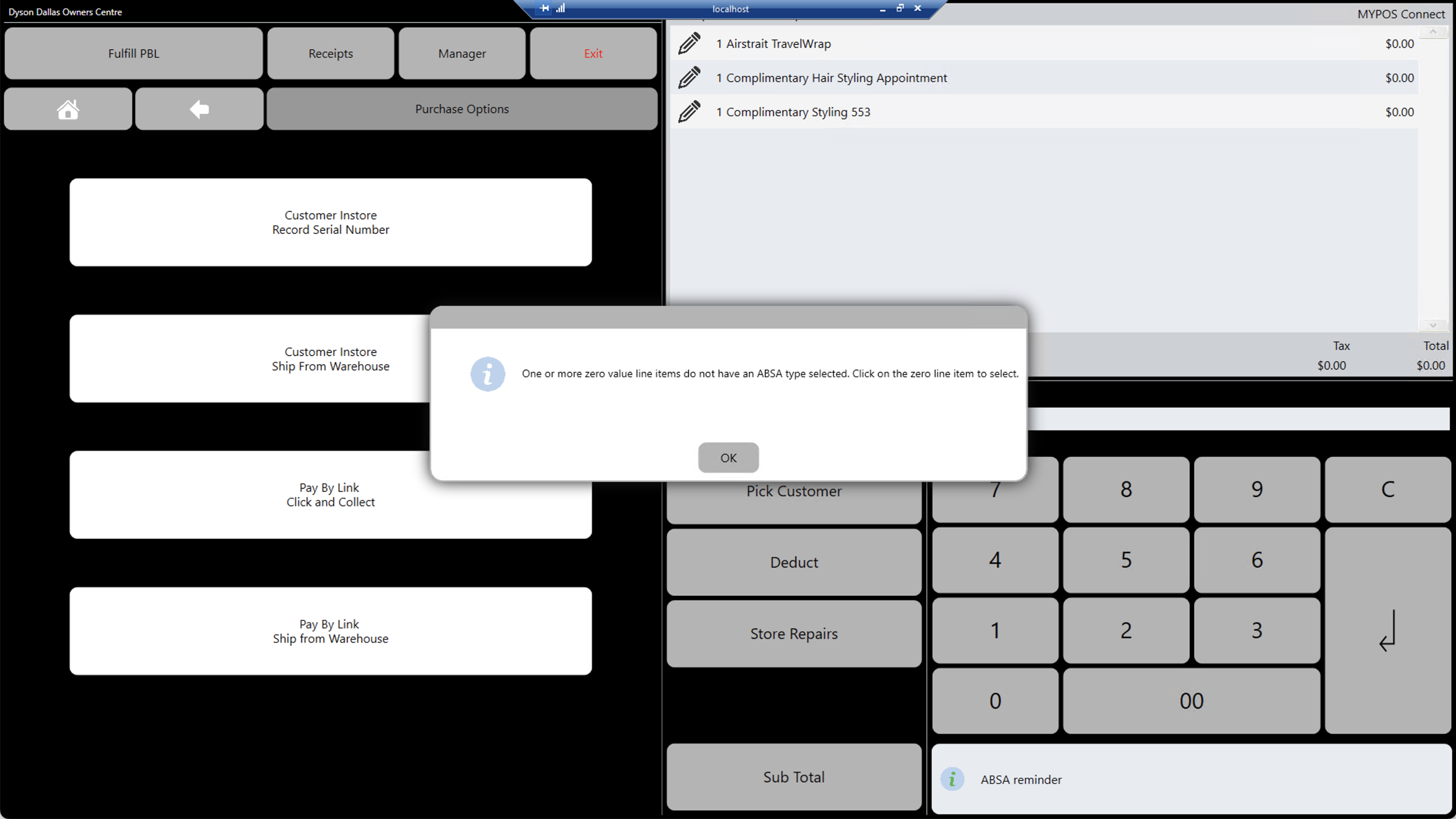
Zero Value Price Override
When you select the price override function and enter a value of 0.00 and press enter, the ABSA reasons pop up screen will appear straight away to allow you to pick an ABSA reason, you can change or alter the reason after picking it by selecting the ABSA button from the "Pencil" icon screen as per the above steps.