AUS - Step 02, Logging in to MYPOS Connect on a HP Engage

Apr 07, 2026
 0
0
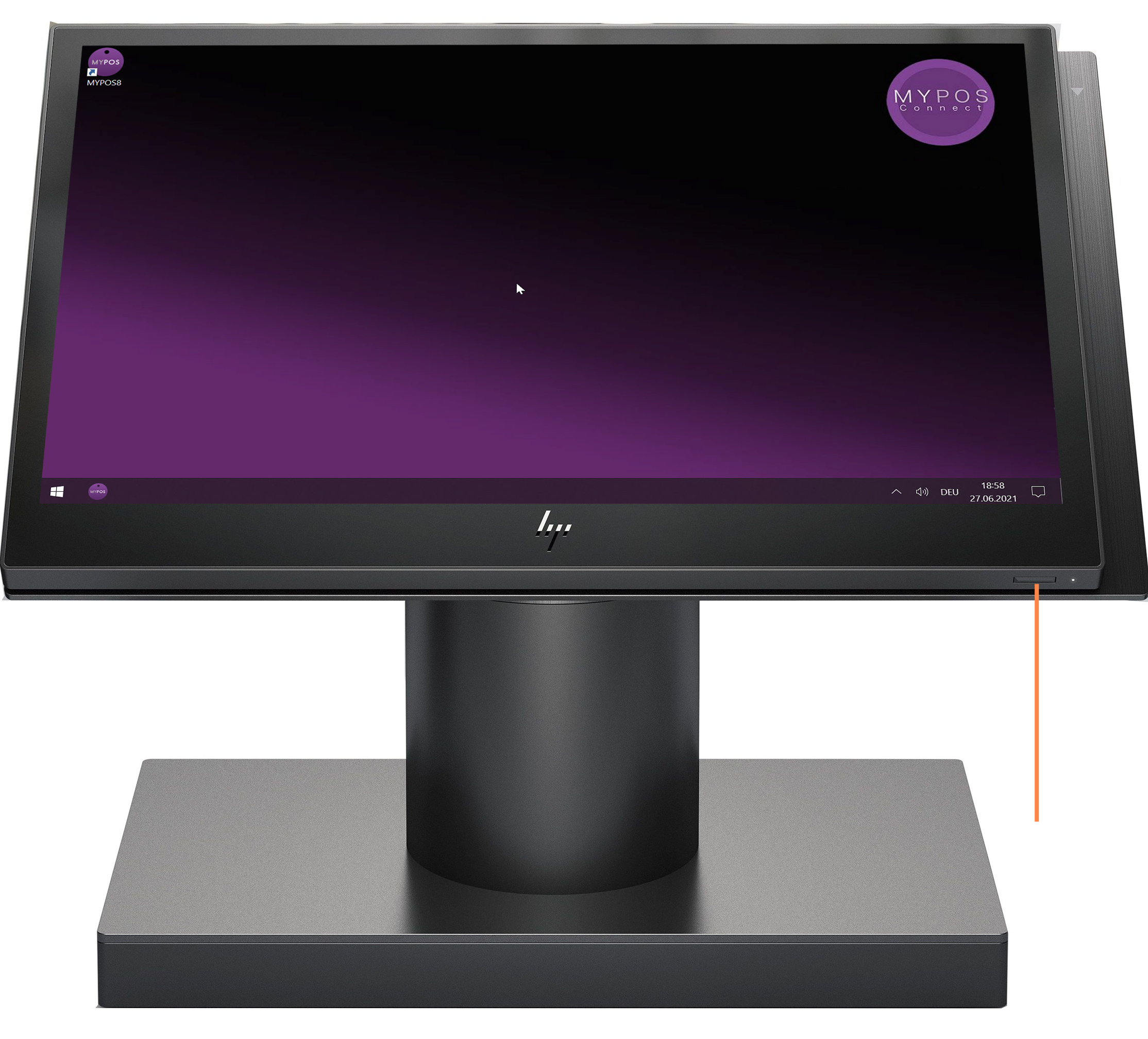
The HP Engage Should be left turned on even when the store is closed, this allows maintenance and updates to be run overnight, If the HP Engage is Switched off it can be turned on by pressing the power button in the lower right hand corner of the screen
Assuming the HP Engage is Switched on you can load MYPOS by either Double Pressing the Desktop Icon or a Single Press on the TaskBar Icon
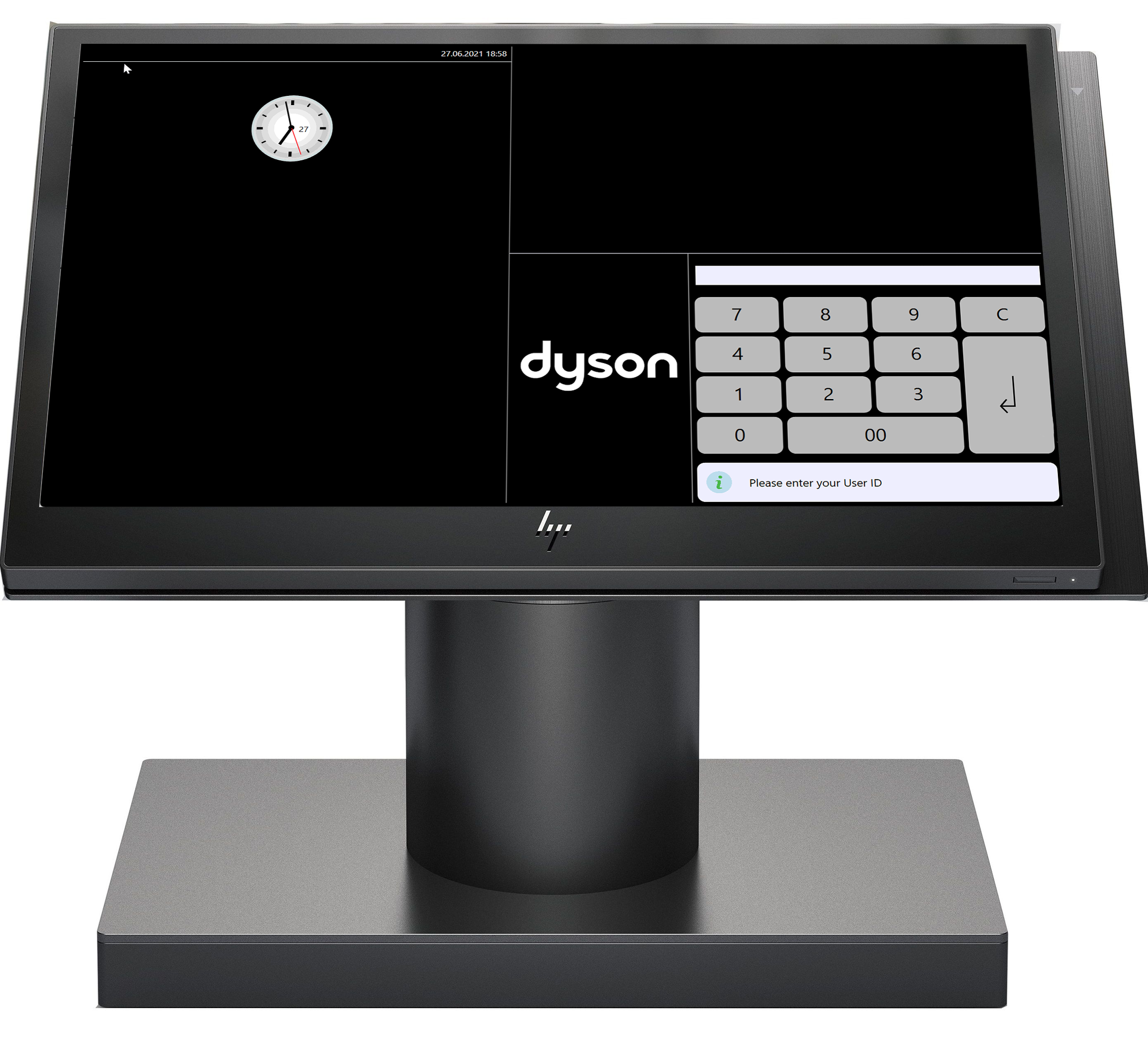
Once Loaded the MYPOS Login screen will appear
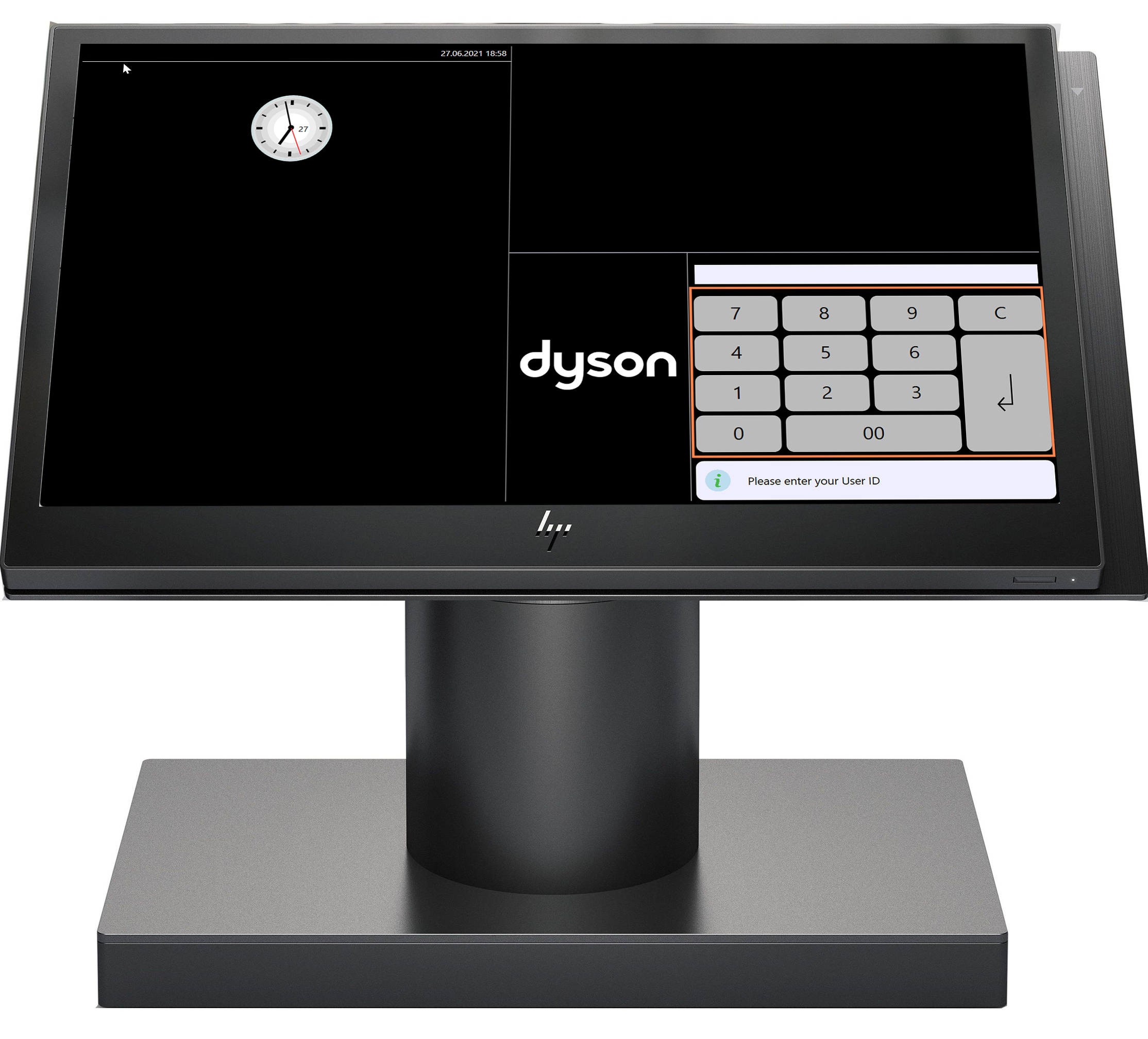
Using the Keypad enter your four-digit user code and press the "enter" key, then press your four-digit pass code and press the "enter" key once more
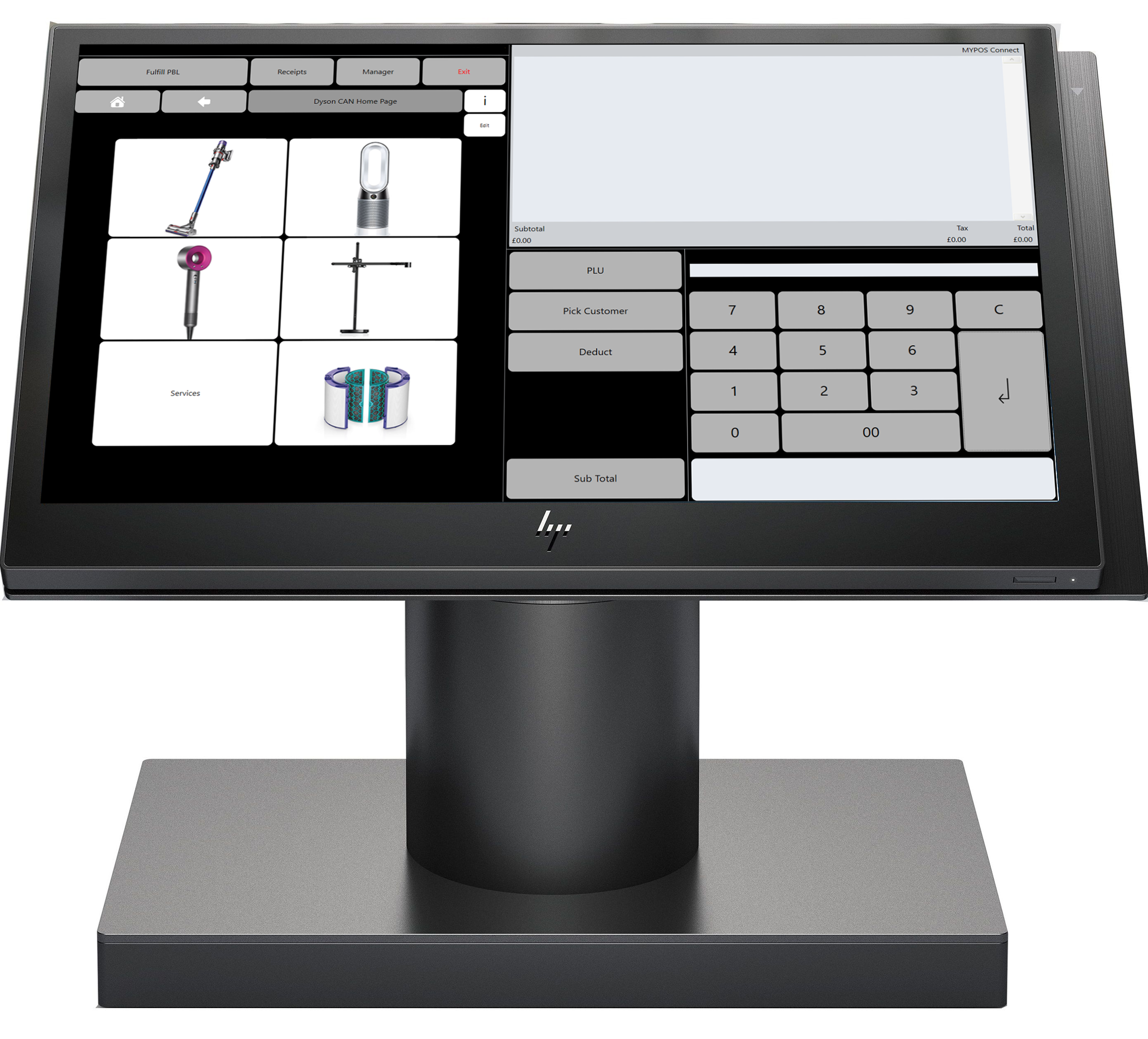
When successfully logged in you will see your selling Home Page, your name will show in the top right-hand corner of the screen